A practical approach
The live VeloRoster generator is a deterministic placement tool, not an AI assistant. Use its clash checks today; evaluate AI proposals separately if that capability is introduced.
Check before publishing
Do not treat a generated draft as an AI-optimized or guaranteed best timetable.
From preparation to a published timetable
- Prepare the complete activity list and use consistent names for shared people, rooms and groups.
- Create the plan with the correct dates, timezone, opening hours and daily workload limit.
- Configure availability, breaks and any required qualifications, room types, capacities or travel buffers.
- Generate a draft or compare alternatives, inspect the reported issues and make the required corrections.
- Review the actual teaching coverage. Where independent approval is enabled, request review of the final version before publication.
- Publish the checked snapshot, inspect its output and give staff access to their own timetable using their verified account emails.
Planning focus for this workflow
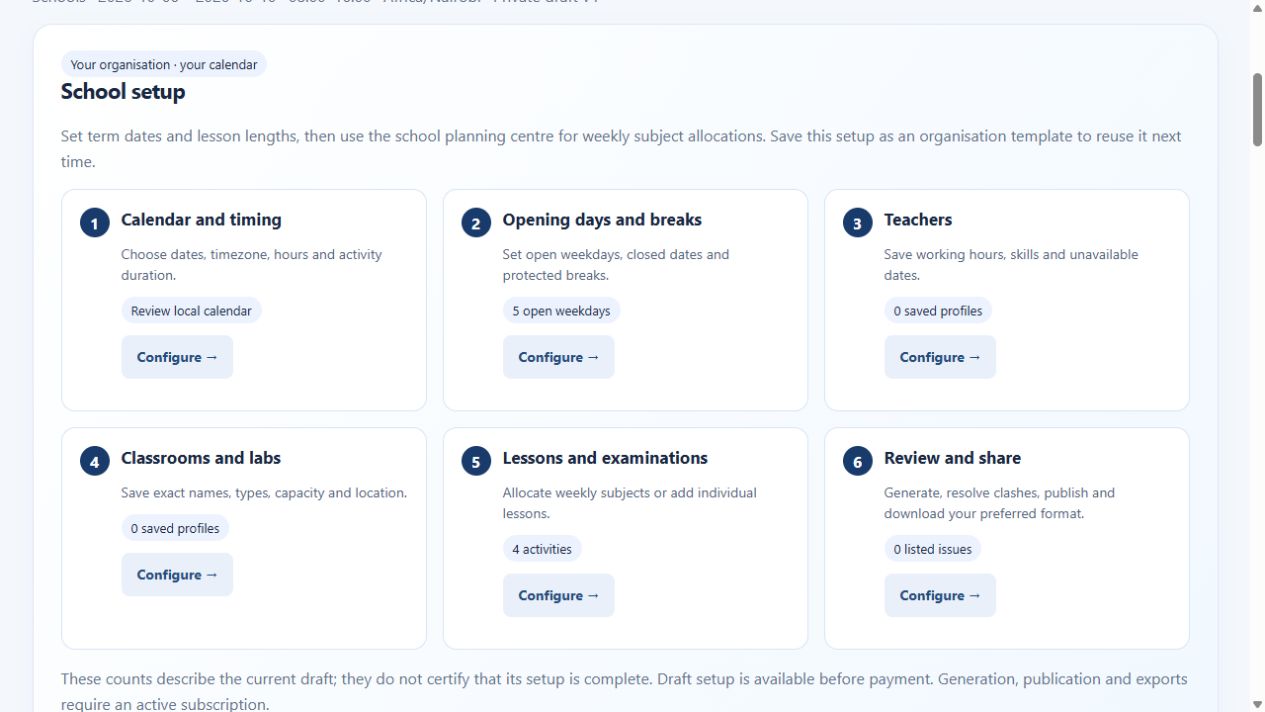
For the scenario covered on this page—AI timetable planning and scored scheduling alternatives—start with the people, activities, spaces, timing rules and constraints that materially affect the plan. Build a representative draft, review unresolved work, then publish only after the responsible team has checked it.
For school and academic planning, verify lesson demand, teacher availability, class groups, specialist rooms, double periods, breaks and campus travel before generation. Review curriculum coverage and unresolved clashes before releasing a timetable.
VeloRoster can compare three scored alternatives, flag listed clashes, keep a private draft and export reviewed schedules in supported formats. Explore the scheduling use-case library, worldwide guides or live interactive demo.
Explore related guides: Generation and timetable quality
Continue with these connected planning topics, or browse the complete scheduling guidebook.