The planning situation
A programme needs a protected interval between session blocks.
The constraint to resolve
A session overlaps the intermission because only overall venue hours were entered.
Set up this specific workflow
Set the agreed protected break and use realistic session durations, distinguishing a global pause from activity-specific changeover.
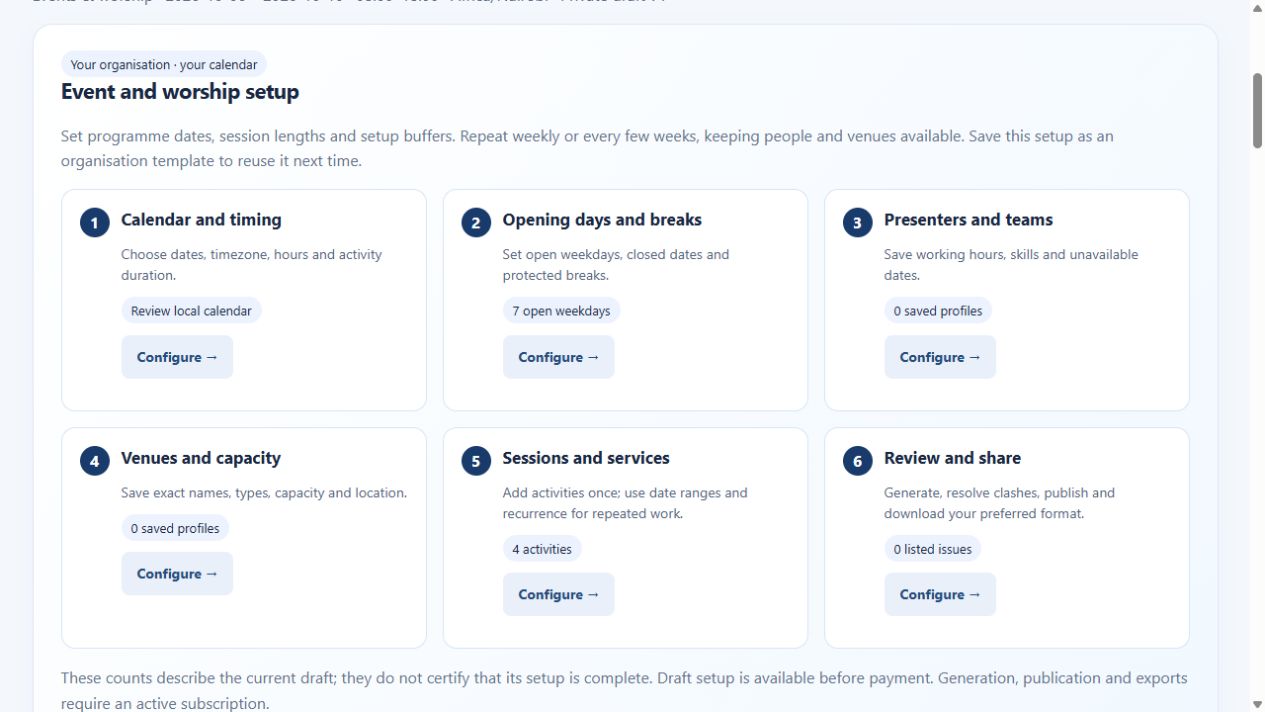
Work in the events & worship workspace. Use your organisation’s actual dates, timezone and opening hours. Presets are editable starting points; they do not supply a country’s calendar or verify organisational policies.
Check the result before publishing
Review every affected session's start and finish and confirm how the interval is communicated to participants.
Resolve unplaced activities and reported conflicts, inspect the relevant people and resource views, and publish the reviewed version deliberately.
See the events & worship application
Demo and paid account access
View the public demo with sample data before buying. A verified email and active paid subscription are required to create workspaces, enter your own scheduling details, generate, publish and export. One subscription covers all five workspaces within your organisation account.
View the sample demo · Create an account · Read account and billing help