The planning situation
A library reserves a meeting room for facilitated study sessions and community meetings.
The constraint to resolve
A facilitator is allocated to two activities even though room bookings are distinct.
Set up this specific workflow
Use one facilitator identity, stable room names and clear group labels when entering both activity types.
Work in the spaces & assets workspace. Use your organisation’s actual dates, timezone and opening hours. Presets are editable starting points; they do not supply a country’s calendar or verify organisational policies.
Check the result before publishing
Inspect the facilitator's chronology as well as each room's list before releasing booking times.
Resolve unplaced activities and reported conflicts, inspect the relevant people and resource views, and publish the reviewed version deliberately.
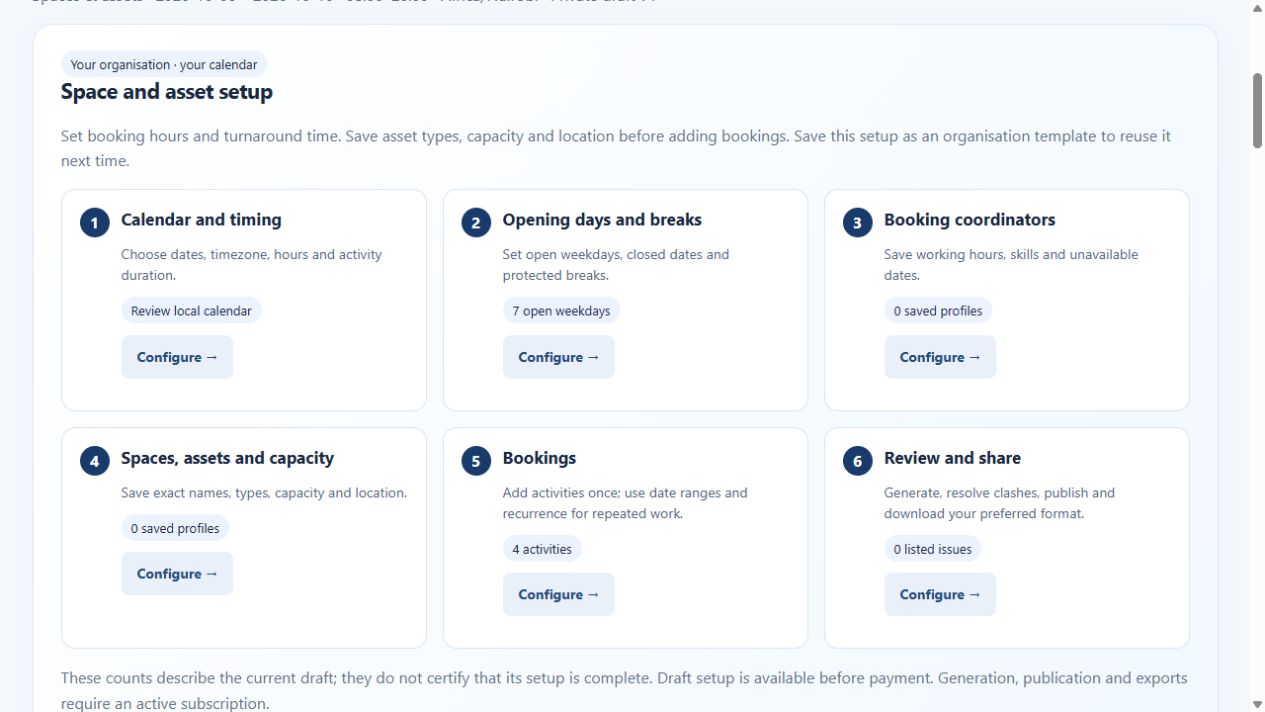
See the spaces & assets application
Demo and paid account access
View the public demo with sample data before buying. A verified email and active paid subscription are required to create workspaces, enter your own scheduling details, generate, publish and export. One subscription covers all five workspaces within your organisation account.
View the sample demo · Create an account · Read account and billing help